Inside an online class
What a 1-on-1 class actually looks like
Classes are live on Google Meet, 60 minutes, with the same teacher every week. We work in a shared coding notebook, and all notes and homework go on Google Classroom, so your child keeps them even after the course ends. The screenshots below are from real classes.
A typical class
- 01
Short notes first
Each topic starts with a few clear notes in the notebook, in plain words, so there is something to revise from later.
- 02
Code it together
We write and run the code live. Your child sees the output straight away and fixes their own mistakes with help.
- 03
Practice
Practice questions on the same topic. For exam students that includes NCERT questions, sample papers and past papers.
- 04
Homework
A short task to try before the next class. Notes and homework are shared on Google Classroom.
Scratch, ages 7–12
Real games from the first class
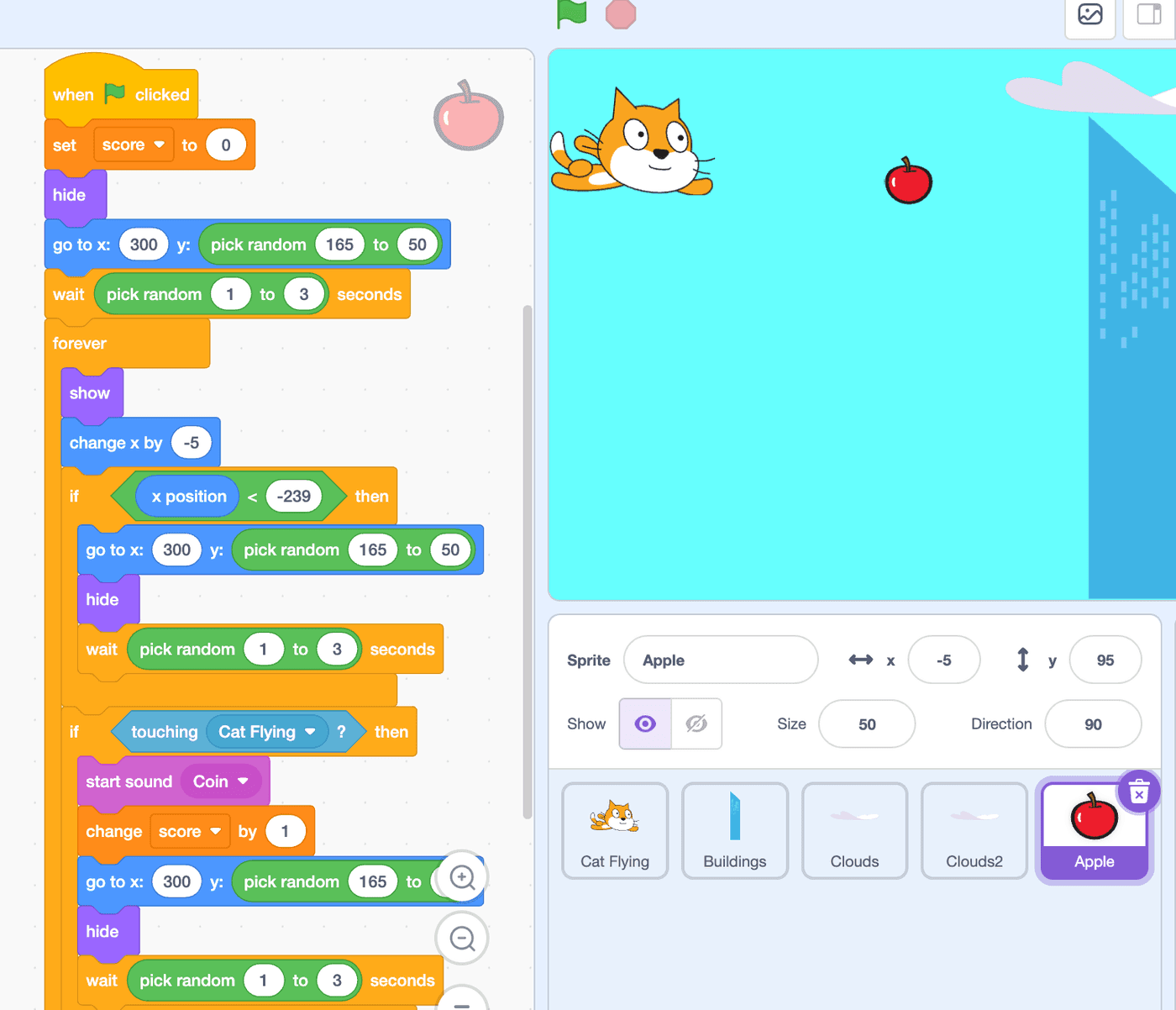
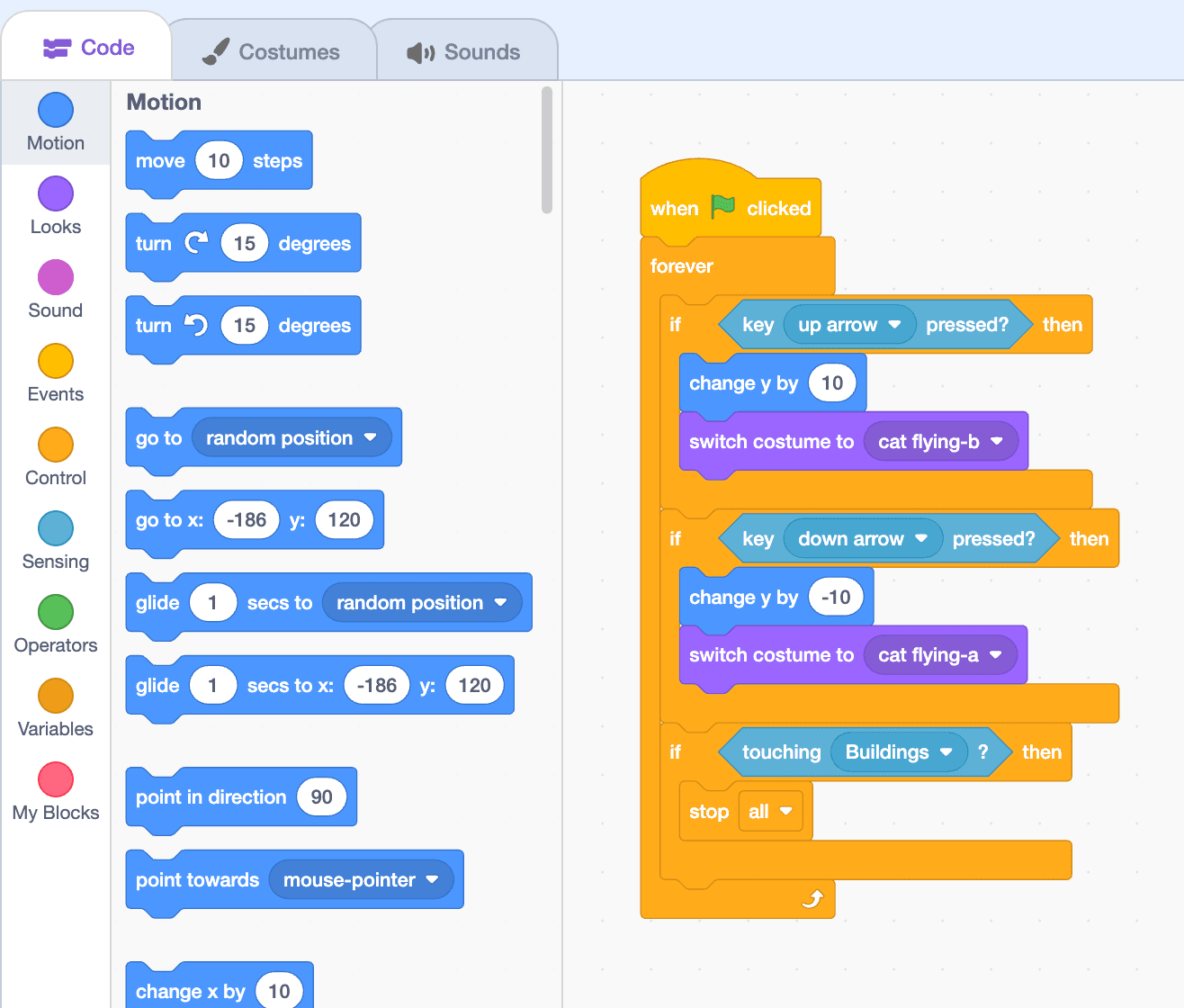
Younger children learn the ideas behind all programming by building games they want to play: scores, controls, random events and game-over rules, all in Scratch.
Python and coding
The thinking written out, then the code
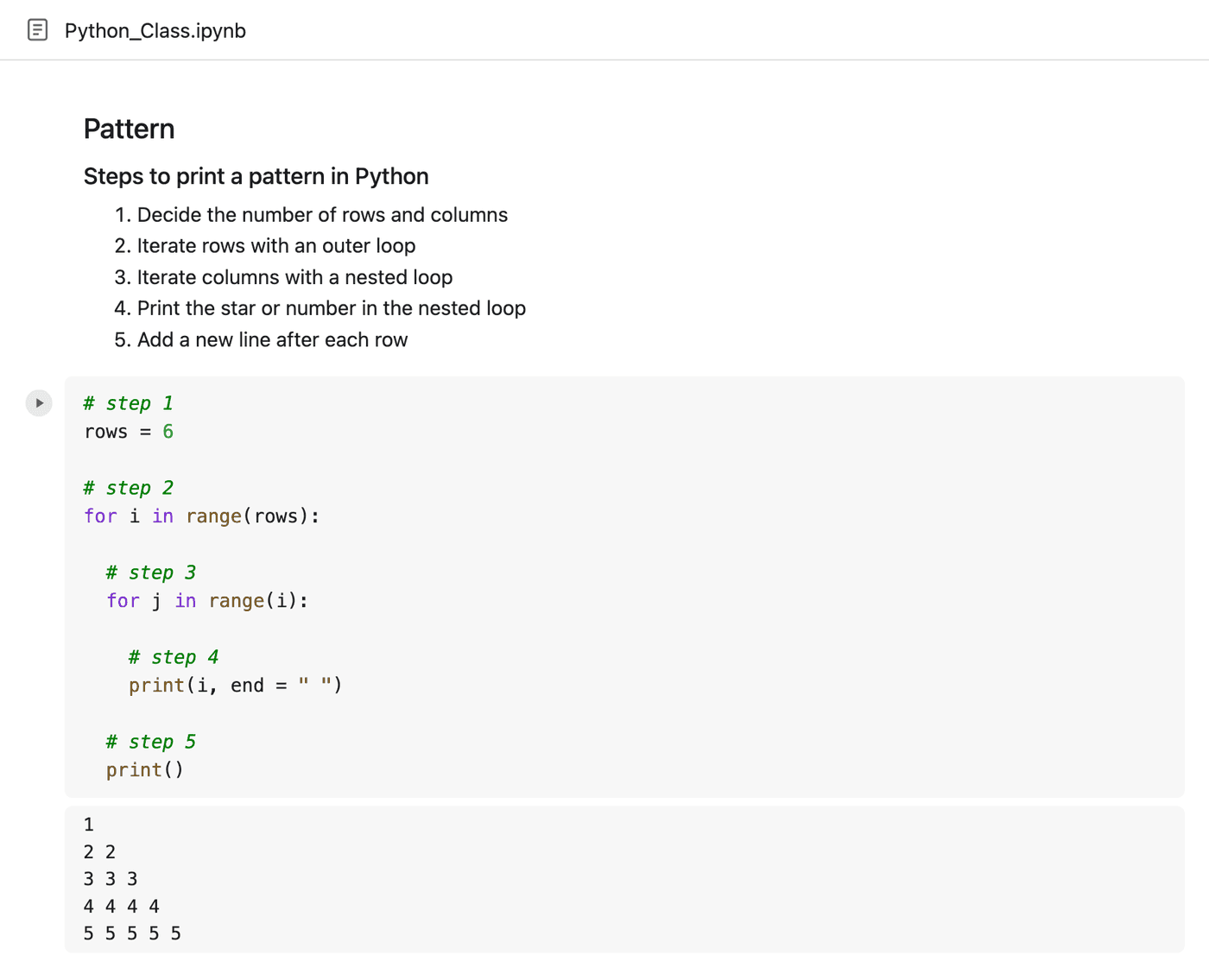
Students see the logic in steps before they write a line. The comments in the code match the steps, so they can follow it on their own afterwards.
AI and machine learning
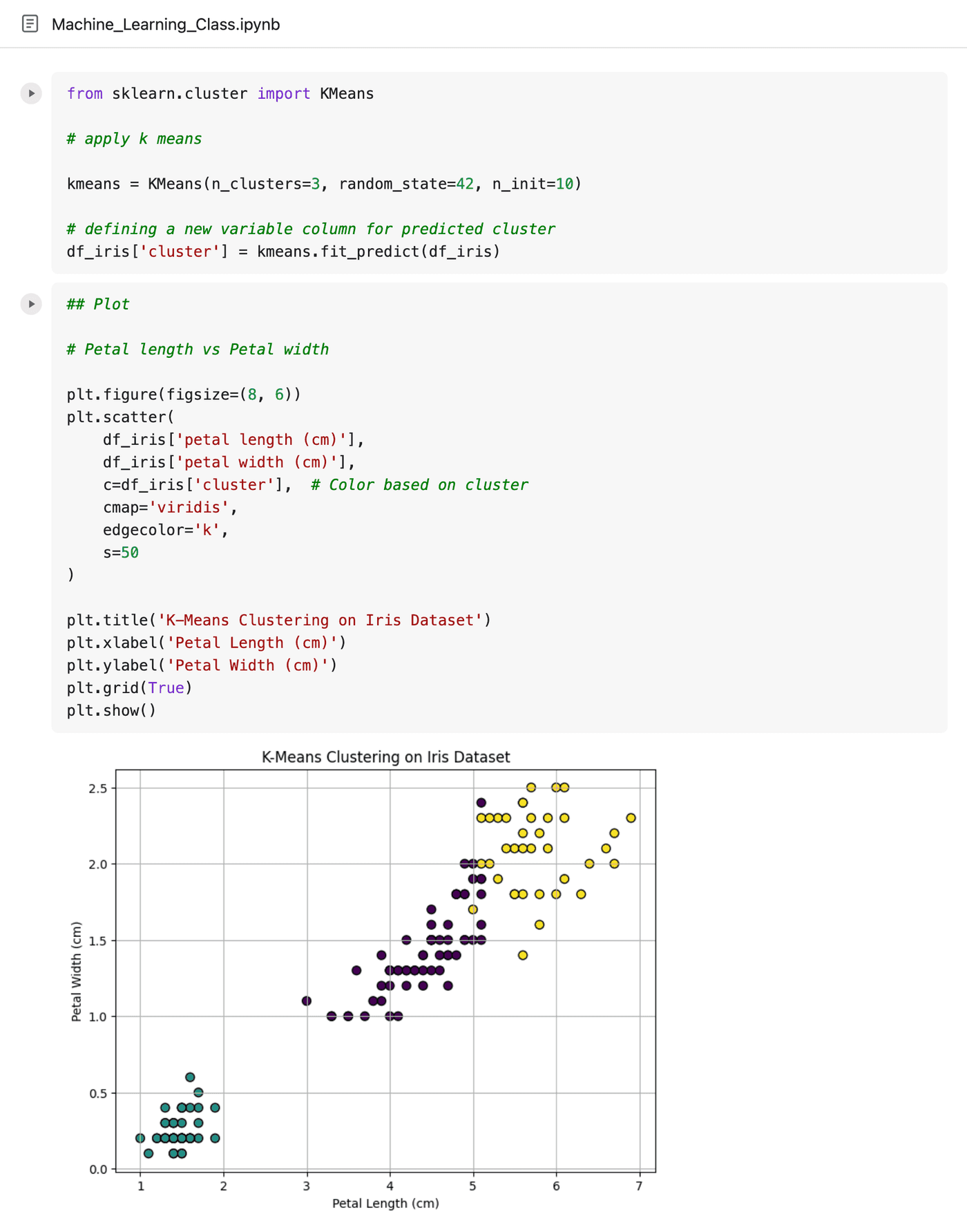
Real datasets, real tools
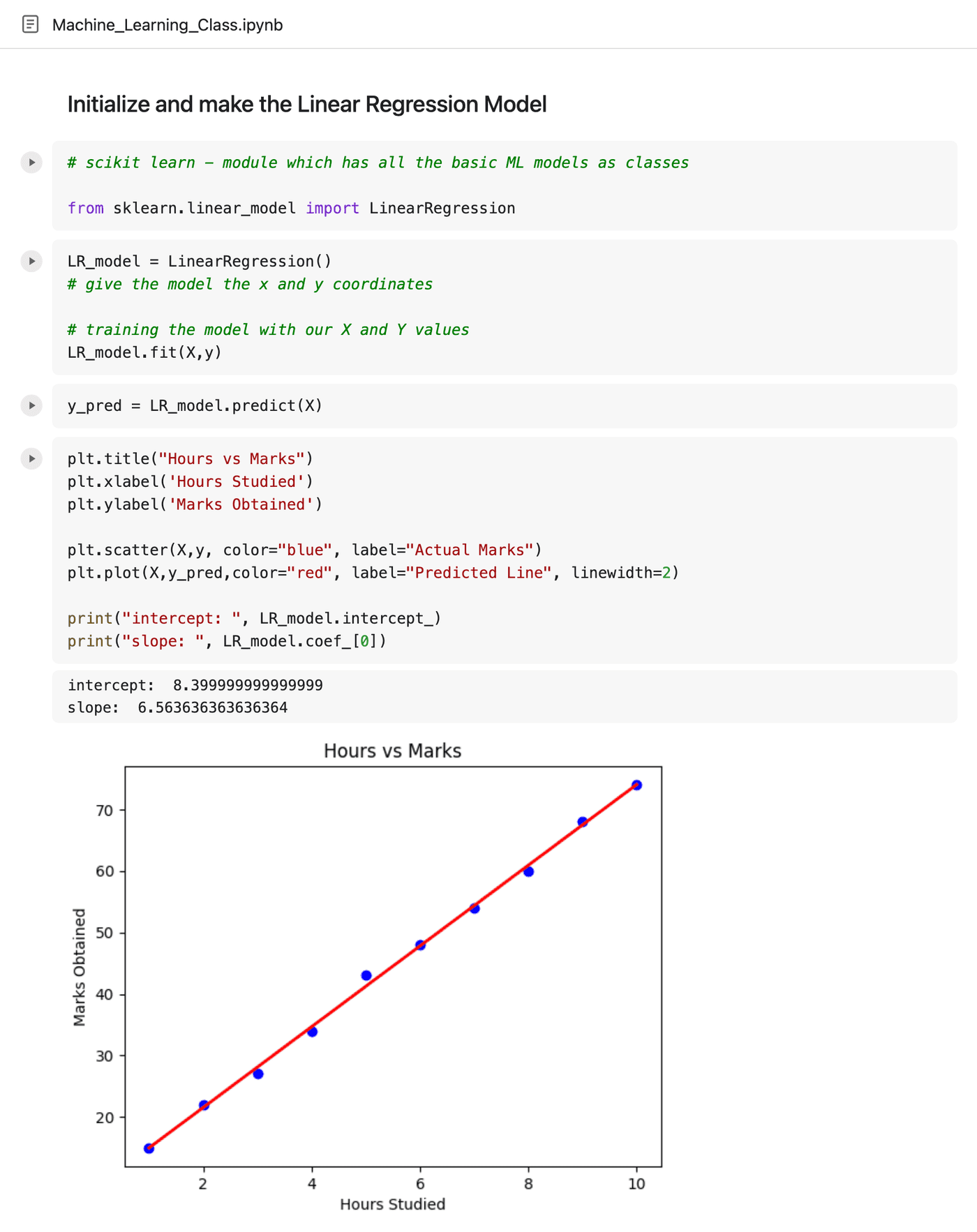
Teens train models with the same libraries engineers use: pandas, scikit-learn and matplotlib. Every idea ends in a chart they made themselves.
Exam boards
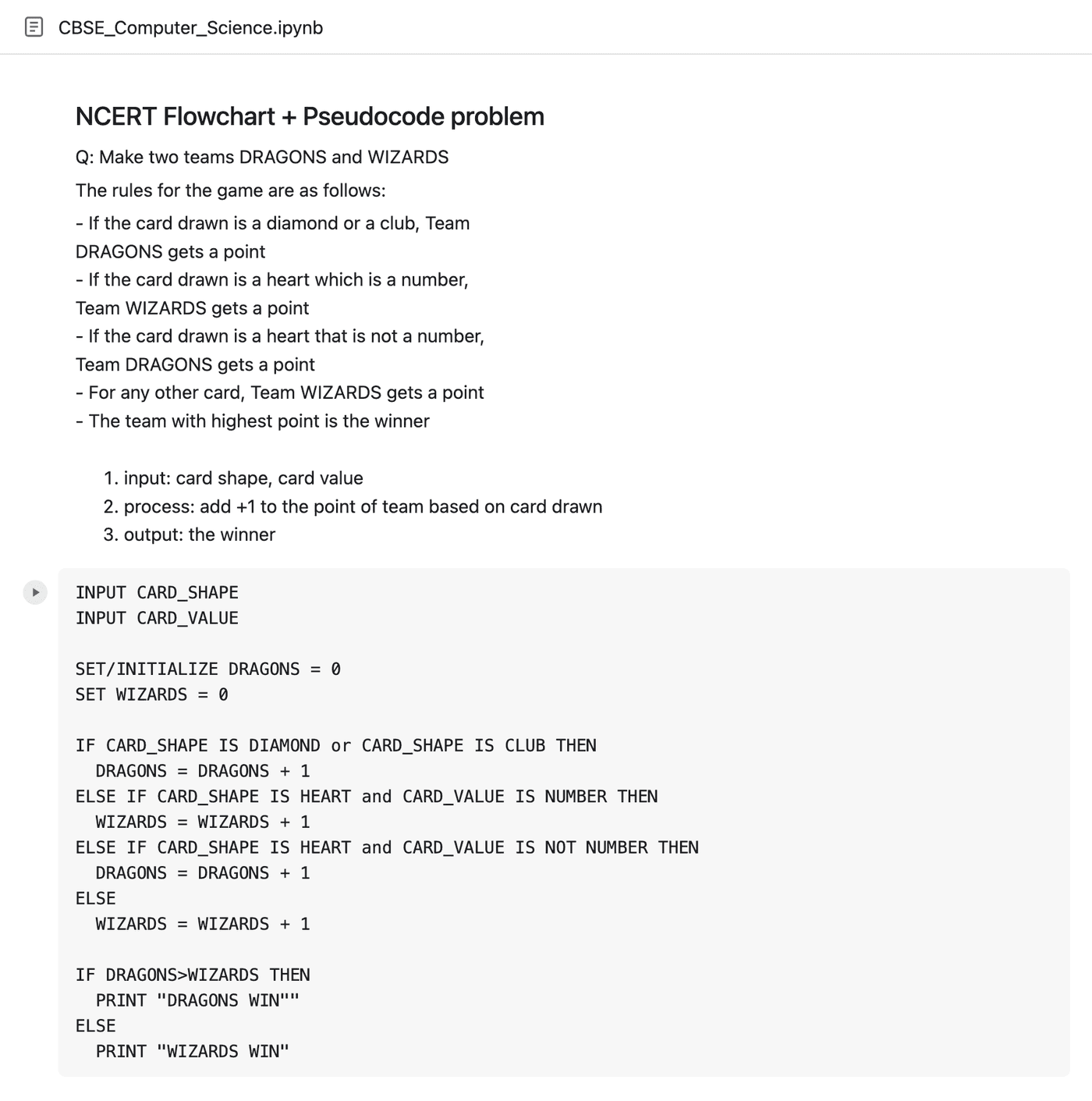
Taught the way the board marks it
For CBSE, IGCSE, IB and A-Level, classes follow the board's syllabus and question style, from pseudocode and flowcharts to full programs.
In person
When we meet in person
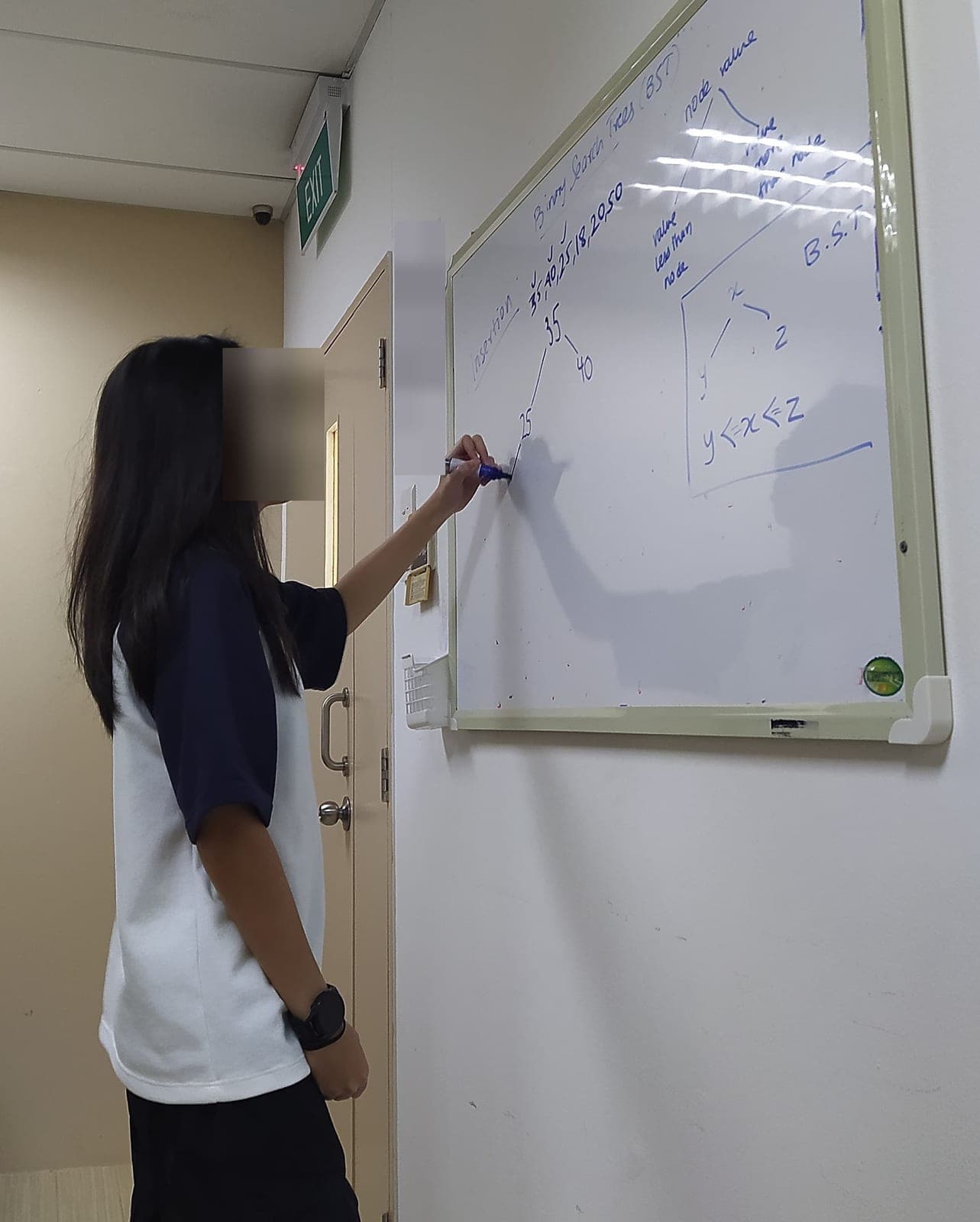
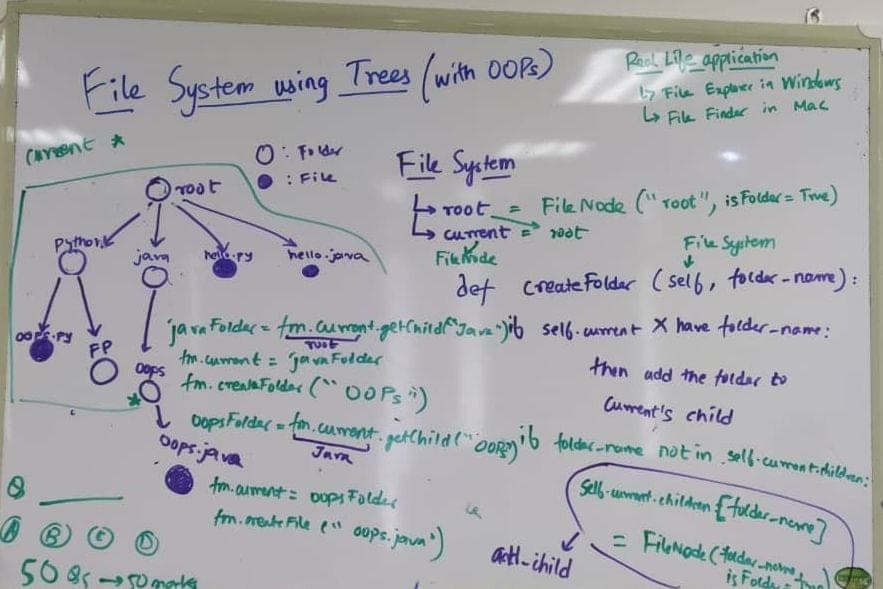
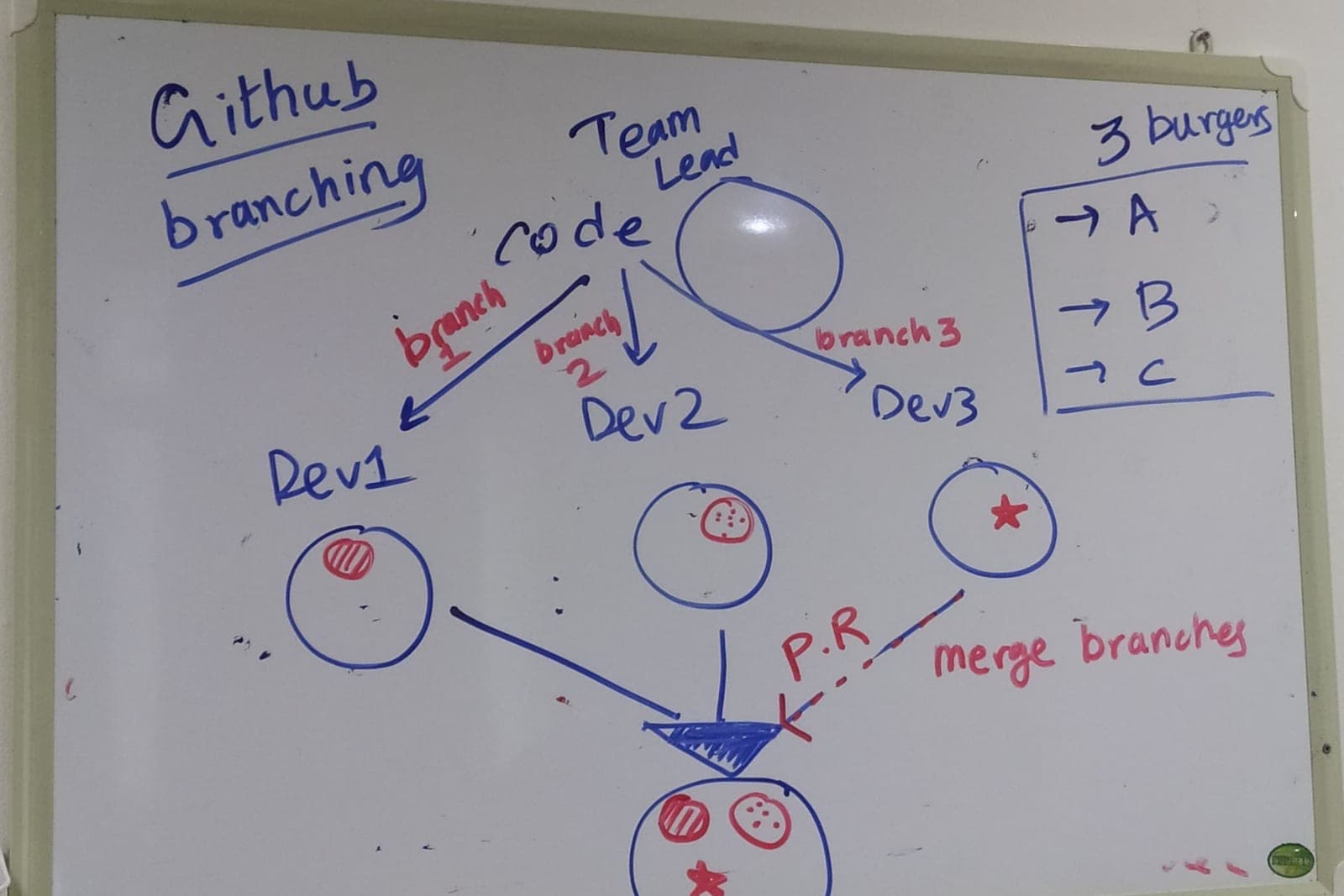
Most classes are online. Some students in Singapore also have in-person sessions, where we use the whiteboard.
See it for yourself
Start with a free 30-minute trial class, then get a written learning plan if you'd like one.
Free trial class
Book a free trial class
Share your name, WhatsApp number and course. WhatsApp opens with your details filled in, so you can pick a time for the free 30-minute trial class. Afterwards you can ask for a written learning plan.
- +91 90730 55125
- mentorsubhanu@gmail.com
- Sessions
- Live 1-on-1 video · 60 minutes
Session times: weekdays 8–11pm and Saturdays 7am–5pm India time (IST). Sundays off.